Oak Upsell · Checkout
Checkout upsell for Shopify.
One offer inside checkout, before the shopper pays. One tap adds it to the order. Stores use it to add up to 5–10% to revenue per order, without touching their theme.
Revenue per order+5–10%
Checkout
Payment
•••• •••• •••• 4242 12/34
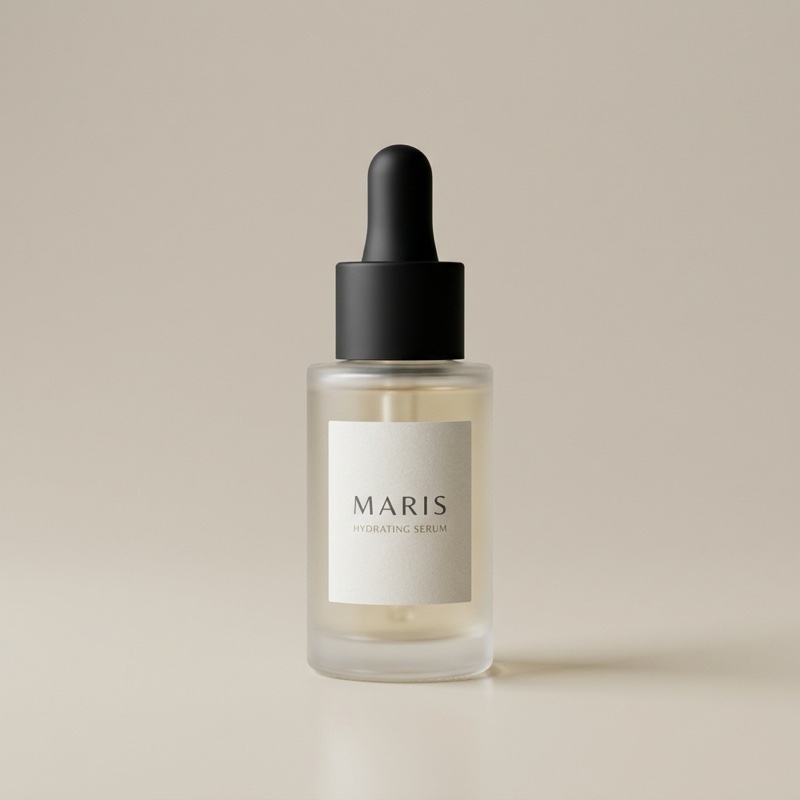
Maris Hydrating Serum
$28.50$38.00(SAVE 25%)
Add to order
Pay now
Extra stepsNone
- Shown before payment
- Native to Shopify checkout
- Decline costs nothing
Three surfaces, one funnel
When to use checkout, and when not to.
Oak makes offers in three places. Checkout is the one where the order is still open, so it suits add-ons that belong with the purchase.
| Checkout | Post-purchase | Thank-you | |
|---|---|---|---|
| When | Before the shopper pays | Right after payment, before the confirmation | On the confirmation page |
| Payment | Same transaction | Charged to the same card, no re-entry | Charged to the same card, no re-entry |
| Best for | Things that belong in the box: refills, accessories, gift wrap, a bigger size | A second product they didn't come for | A last, low-pressure nudge |
| Risk | Sits in the payment path, so keep it to one offer | None to the original order | None to the original order |
Turn each surface on or off per funnel. Use one, two, or all three.
In practice
Three funnels stores set up first.
Each one is a trigger, an offer, and the checkout seat switched on. About two minutes apiece.
Refill
Buying the serum? Offer the second bottle.
- IFProduct is Hydrating Serum
- OFFERMore of what they bought, 15% off
Companion
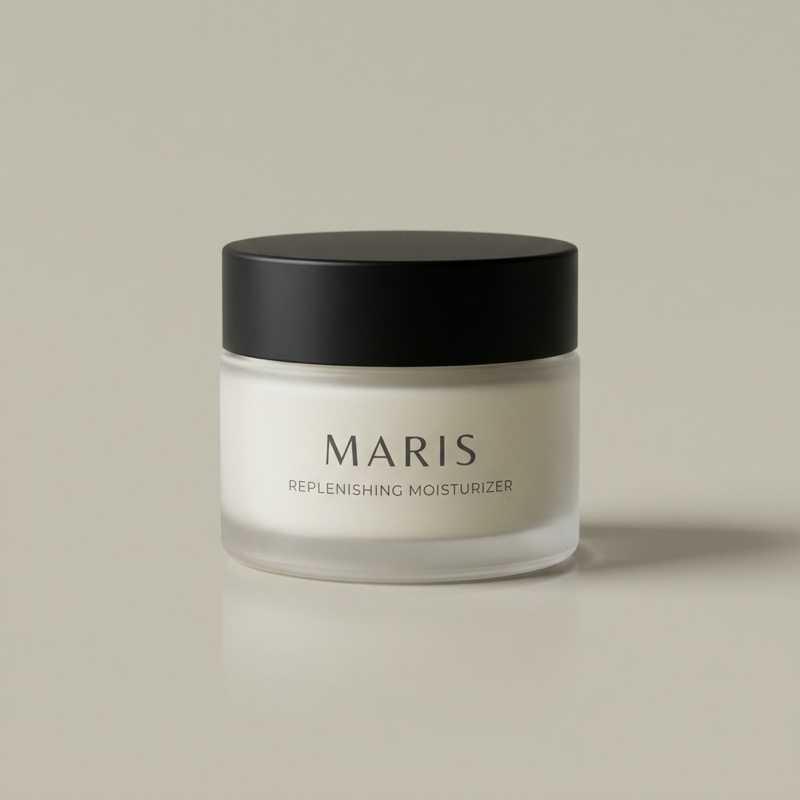
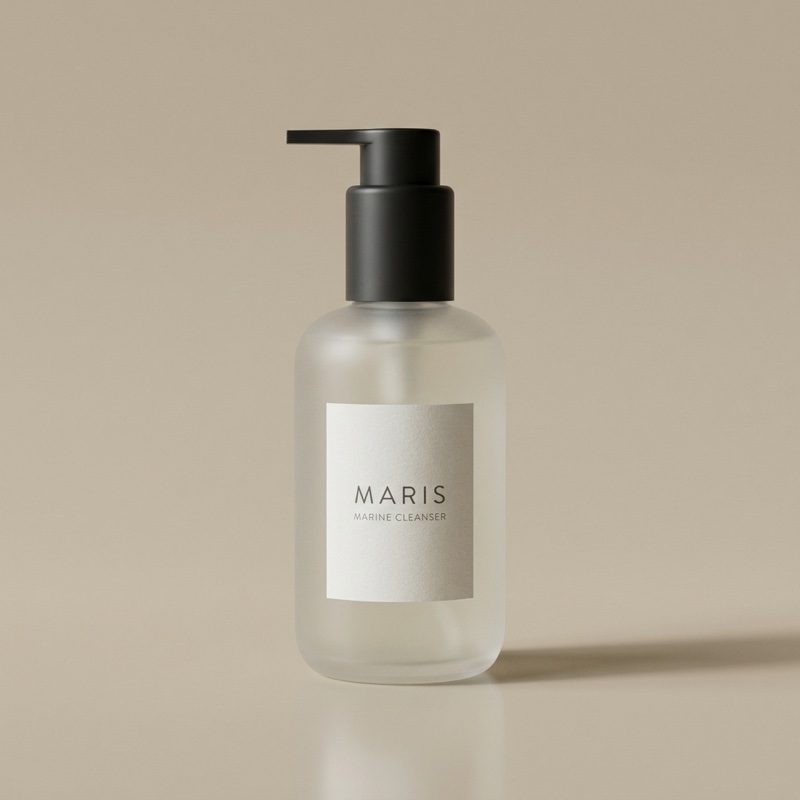
Buying the cleanser? Offer the moisturizer.
- IFCollection is Skincare
- OFFERReplenishing Moisturizer, 10% off
Threshold
Cart under $75? Offer the item that gets them there.
- IFCart total below $75
- OFFERShopify's recommendation, full price
Ready?
Up to 5–10% more from the orders you already get.
Install Oak, switch on checkout, pick one product. Free, no order caps, and every word on the offer is yours to edit.